YouTube transcript, ready to read
Synopsa opens the full transcript of a YouTube video as clean text you can read, share or export. It also gives you an AI summary of the whole video.
Get Synopsa on Google Play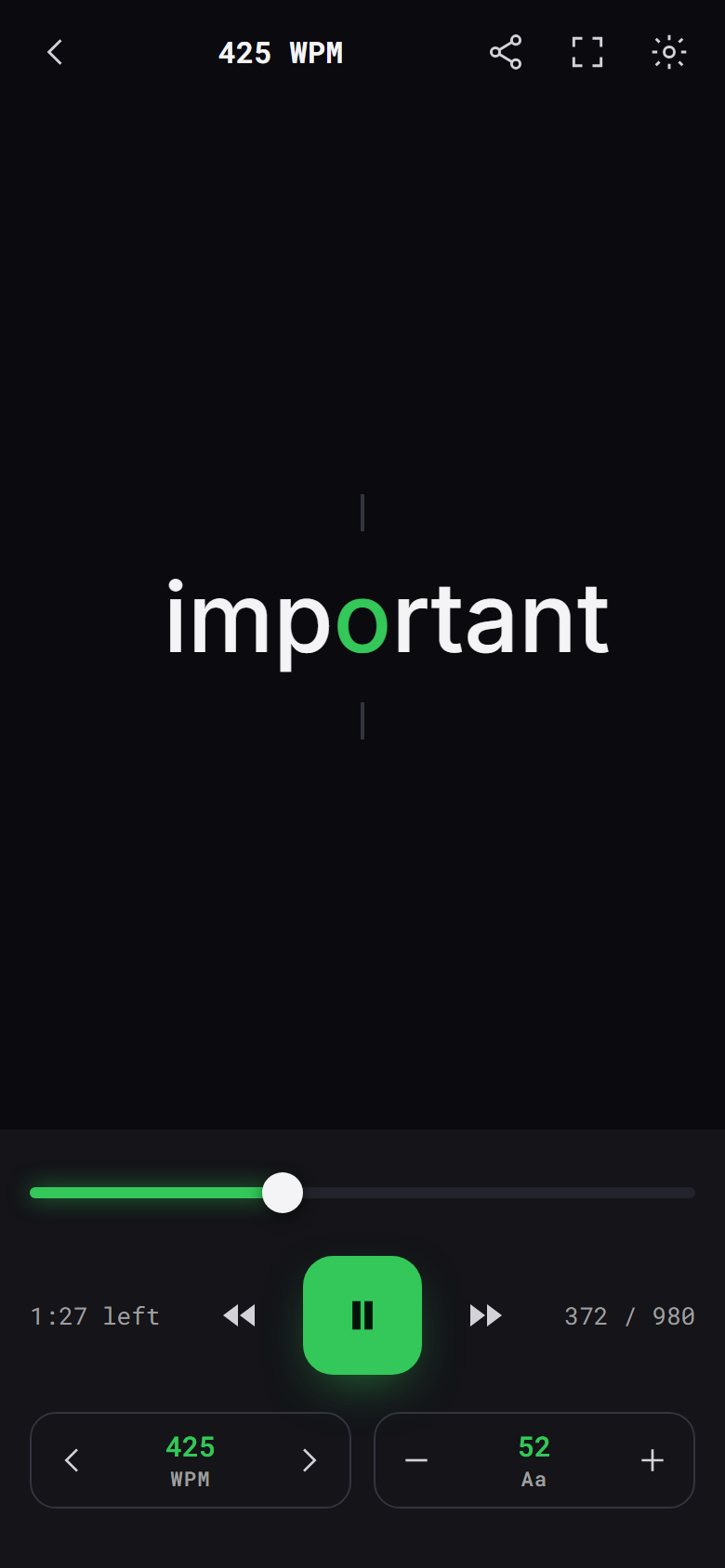
What you can do with the transcript
- Read it as text. The transcript opens in paragraphs, with adjustable font size and line spacing.
- Speed read it. Read word by word from 100 to 1000 words per minute.
- Share it. Send the full transcript as text to any app.
- Summarize it. Get the key takeaways of the whole video in one tap.
How to get a YouTube transcript
- Copy the YouTube link, or tap Share in the YouTube app and pick Synopsa.
- Wait a few seconds while Synopsa fetches the transcript.
- Tap Read to open the full transcript.
Questions
- Does every video have a transcript?
- Only videos with captions. Many livestreams and music videos have none, and Synopsa tells you when that is the case.
- Can I copy or export it?
- Yes. Share the transcript as text, and export the summary as text or Markdown.
- Which languages work?
- Summaries and the app are available in 38 languages.